IPTV UK — live TV, sport and box sets streaming in 4K since 2018
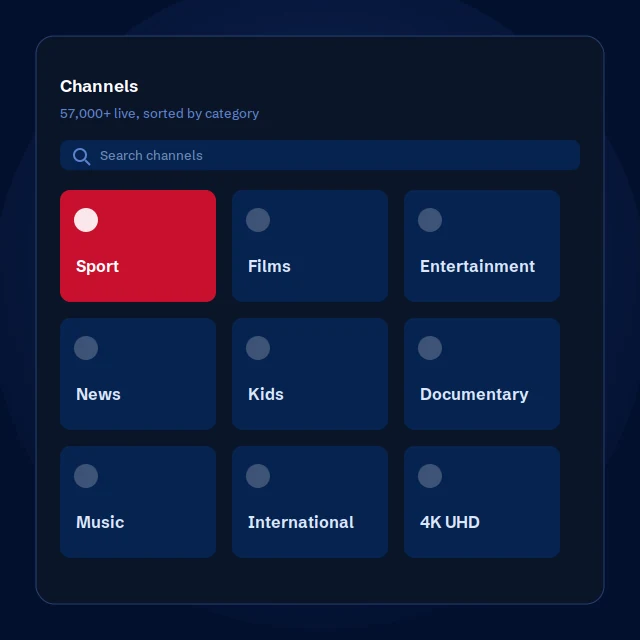
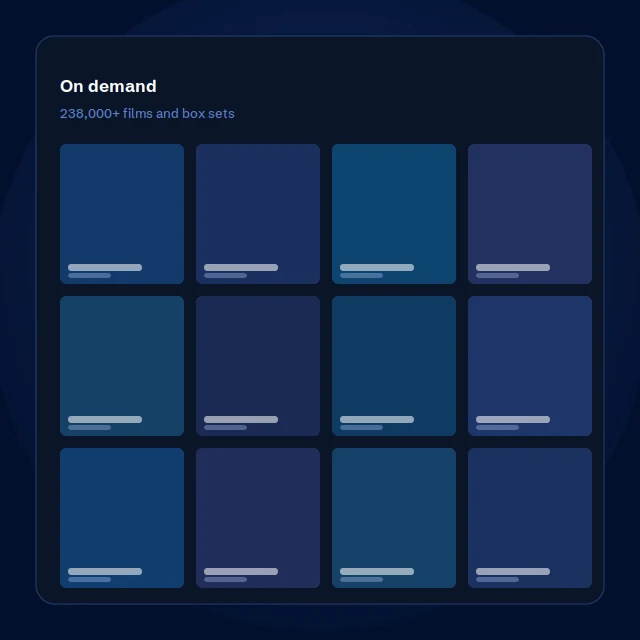
An IPTV subscription UK viewers can rely on: 57,000+ live channels and 238,000 films and box sets, on the TV, phone or tablet you already own. No dish, no contract, no engineer visit.
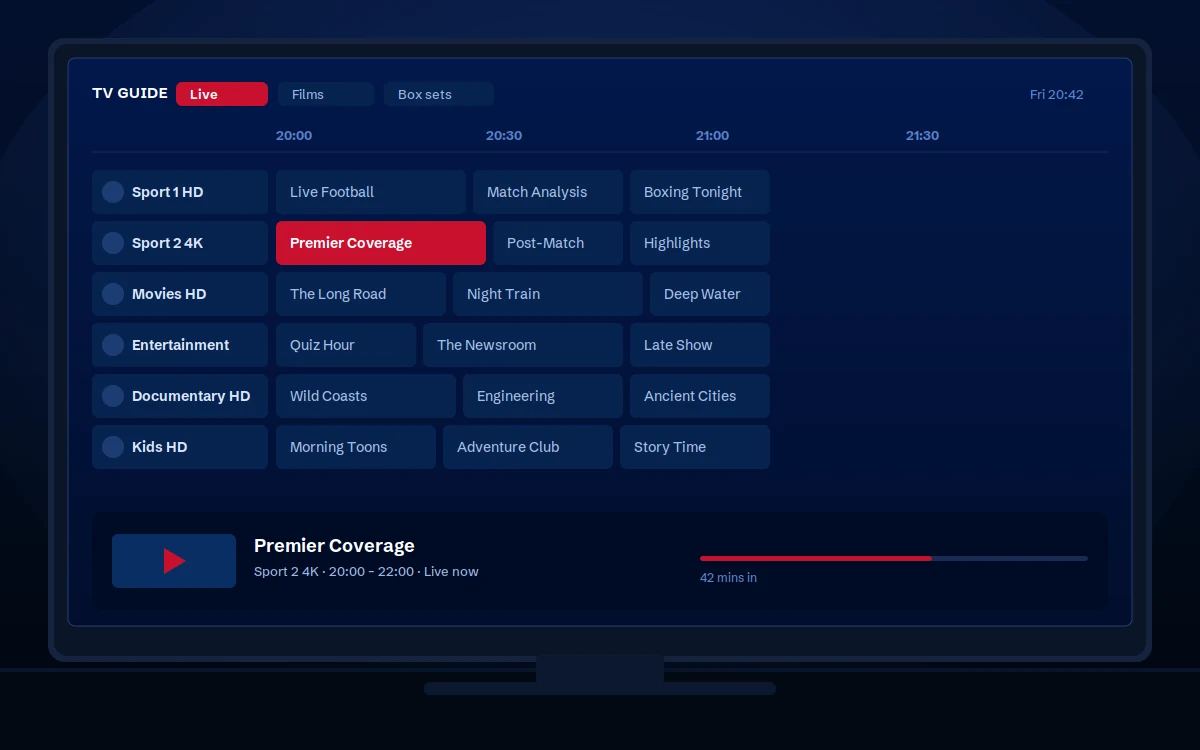
Everything included in one IPTV subscription
One price, one login, and no add-ons to buy later — the same on every plan.
Works on every screen you own
One subscription, every device. Whether you want the best IPTV for Firestick UK viewers use most, TiviMate on an Android box, or an app straight onto a Samsung or LG, there is a full setup guide for each.
From payment to first channel in about five minutes
Choose your plan
Pick a duration and pay securely.
Details on WhatsApp
Your login usually arrives within five minutes.
Install the app
We send the guide for your exact device.
Start watching
Sign in and every channel loads.
Simple pricing. No contracts.
An IPTV subscription UK households can actually budget for, from £15. Choose one device or two — a device plan is how many screens can play at the same time, and you can install the app on as many devices as you own either way.
Some Smart TV apps such as IBO Player and Smart IPTV charge their own small one-off activation fee. That goes to the app developer, not to us, and we always tell you before you pay it.
What to look for in the best IPTV UK service
| Feature | IPTV UK | Typical budget services |
|---|---|---|
| Channel library | 57,000+ live channels | Limited |
| On demand | 238,000+ films & box sets | Small or outdated |
| Stream quality | 4K UHD, Full HD, HD | SD to HD only |
| Stability | Load-balanced, backup routes | Frequent freezing |
| Catch-up TV | Across supported channels | Rarely offered |
| Support | 24/7 on WhatsApp, real people | Slow or automated |
| Money-back guarantee | 7 days | Often none |
| Activation | Minutes | Up to 24 hours |
| Contracts | None | Often locked in |
| Device support | All major devices and apps | Limited |
| Trading since | 2018 | Often unknown |
Try it for 24 hours before you pay anything
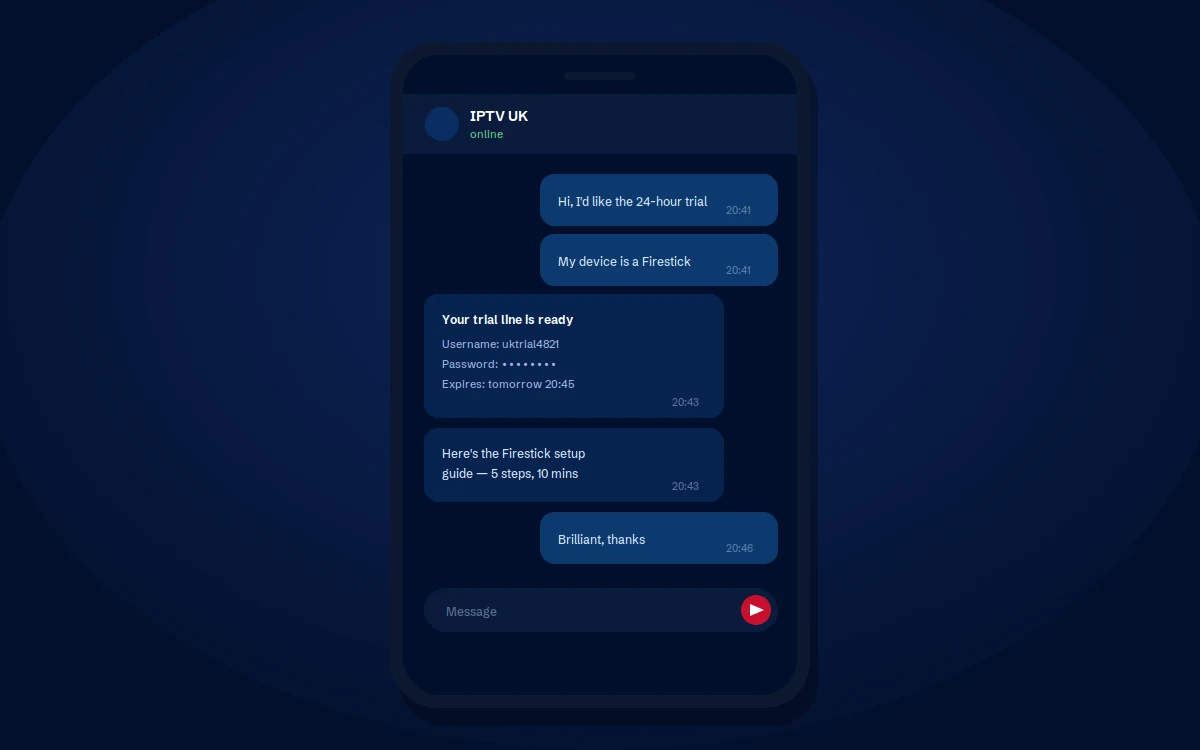
A full trial line with access to every channel, set up on the device you already own. No card details, and nothing to cancel.
If it does not run well on your connection, you have lost nothing — and we would rather you found that out now than after paying. Just tell us which device you have and we will send the login and the right setup guide.
What you need to know first
The honest version, so nothing surprises you after you have paid.
Your internet speed
Around 25 Mbps for 4K, and about 15 Mbps for HD. A wired connection is steadier than Wi-Fi, and the difference shows most between 7pm and 11pm when the whole street is streaming. If you are not sure what speed you have, run a speed test and send us the result — we will tell you honestly what quality to expect.
How many devices
A one-device plan streams on one screen at a time. You can install the app on as many devices as you like and switch between them freely, but two people watching different channels at once needs a two-device plan — which costs considerably less than two separate subscriptions.
What works fully, and what doesn't
The TV guide and catch-up work fully in IPTV Smarters Pro and TiviMate, on Android boxes and Fire TV Sticks. On Samsung and LG apps the guide usually works well, but catch-up is not guaranteed — those apps do not fully support it. If catch-up matters to you, a Firestick is a one-off cost that solves it.
Broadband providers
Some UK providers restrict streaming connections. If that happens on your line, a VPN clears it straight away and you would arrange your own — it is usually a few pounds a month. We will tell you if we think that is what is happening, and help you get it working either way.
Frequently asked questions
What is IPTV and how does it work?
IPTV is television delivered over your broadband instead of an aerial, satellite dish or cable. You install a small app on your TV, Firestick or phone, sign in with the details we send you, and every channel appears. There is no dish to fit, no engineer visit and no extra box.
What internet speed do I need?
Around 25 Mbps for 4K and about 15 Mbps for HD. A wired connection is steadier than Wi-Fi, especially during peak evening hours. Most UK broadband packages are comfortably fast enough.
Which devices does it work on?
Fire TV Stick, Samsung and LG Smart TVs, Android TV boxes, Apple TV, iPhone, iPad, Android phones and tablets, Windows PCs, Macs and MAG boxes. If you own a screen, there is almost certainly a way to watch on it.
Does it work on a Firestick?
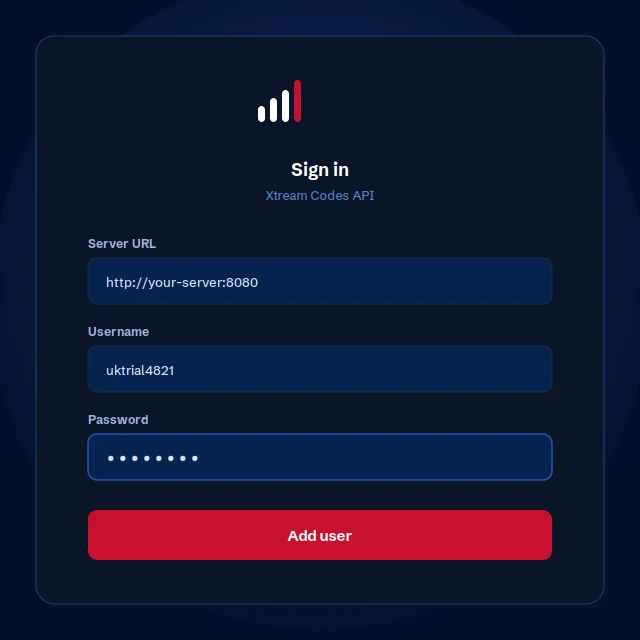
Yes, on every model. You install the app using a short code we send you, then sign in. Our Firestick guide walks through it with screenshots, and support will do it with you on WhatsApp if you would rather not do it alone.
How do I choose the best IPTV UK service?
Judge it on four things rather than the size of the channel list. Does it hold up between 7pm and 11pm, when everyone is streaming at once? Is support a person or a queue? Does it tell you what it can't do before you buy? And is there a free trial and a money-back guarantee, so you can find out for yourself rather than taking anyone's word for it? Any provider can claim 57,000 channels. Very few will tell you that catch-up doesn't work properly on a Samsung.
Is this a stable IPTV UK service with no buffering?
We run load-balanced servers with backup stream routes, planned around peak evening demand rather than average demand, and we'll switch your route if a channel is struggling. That is the part we control. Buffering also depends on your broadband speed, your Wi-Fi and how busy your area is at 9pm, and nobody can promise those away. A wired connection makes the single biggest difference. If it does buffer, our troubleshooting guide works through the causes in order, and support will do it with you.
Do you have anti-freeze IPTV technology?
Not as a branded feature, and we'd be cautious of anyone selling one. "Anti-freeze" isn't a technology — it's a marketing name. What actually stops a stream freezing is unglamorous: load-balanced servers, alternative routes when a provider blocks one, and enough capacity for the evenings when everyone watches at once. That is what we've built, and if a channel still freezes we'd rather look at your specific line than point at a logo.
What's the best IPTV for Firestick UK viewers, and does TiviMate work?
The Firestick is the most popular way to watch IPTV in the UK, and everything works on it — including the two things Samsung and LG can't do properly, catch-up and recording. TiviMate runs on Firesticks and Android and has the best TV guide of any IPTV app; IPTV Smarters Pro is free and does more, including films and box sets. Our Firestick guide covers the setup and our TiviMate guide explains what the premium version adds.
Can I watch on more than one device at the same time?
That depends on your plan. A one-device plan plays on one screen at a time; a two-device plan on two. Either way you can install the app on every device you own and switch between them freely — what counts is how many play at the same moment. See two-device plans.
Do I need a VPN?
Not always. Some UK broadband providers restrict streaming connections, and where that happens a VPN resolves it immediately. You would buy and install your own — it is usually a few pounds a month. We will tell you honestly if we think your provider is the cause.
Is there a free trial?
Yes. We set up a 24-hour trial line with full access, on the device you already own. No card details are needed. Message us on WhatsApp with your device and we will send everything across.
How quickly is my subscription activated?
Usually within five minutes of payment. Your login details arrive on WhatsApp along with the setup guide for your specific device.
What is catch-up TV and which apps support it?
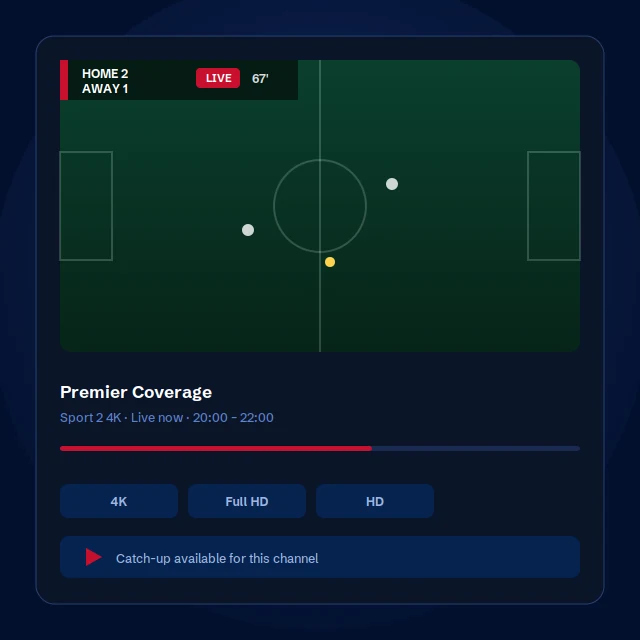
Catch-up lets you scroll back in the TV guide and play a programme that has already been broadcast, across supported channels. It works fully in IPTV Smarters Pro and TiviMate. On Samsung and LG apps it is not guaranteed, because those apps do not fully support it.
What is your refund policy?
A 7-day money-back guarantee on every new subscription. If it is not right for you, message us within seven days and we will refund you. We only ask that you give us one chance to fix the problem first, because most issues turn out to be a setting we can change in a couple of minutes. Full details are on our refund policy page.